# Dashboard
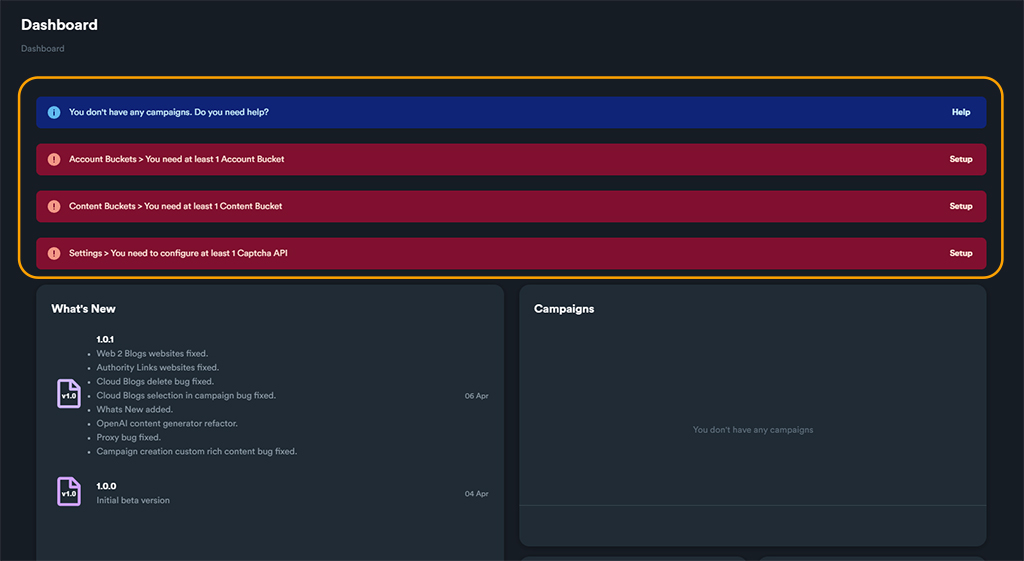
Dashboard is SEO NEO's main screen which includes: basic software **notifications**, **what's new** from latest update and total number of **campaigns, accounts and links** created.
### Notifications
Notifications inform the user about some basic settings required before the creation of any campaign.
Before creating your first campaign you will need to setup:
* At least 1 [**account bucket**](https://docs.seoneo.io/~/changes/c3esrpjGy8mxnwIOXO75/software-overview/account-buckets)
* At least 1 [**content bucket**](https://docs.seoneo.io/~/changes/c3esrpjGy8mxnwIOXO75/software-overview/content-buckets)
* At least 1 [**Captcha API**](https://docs.seoneo.io/~/changes/c3esrpjGy8mxnwIOXO75/settings/third-party-api#captcha)
*
```
Dashboard notifications
```
The dashboard will keep you informed with some notification cards for each requirement. You will need to resolve these requirements before creating your first campaign.
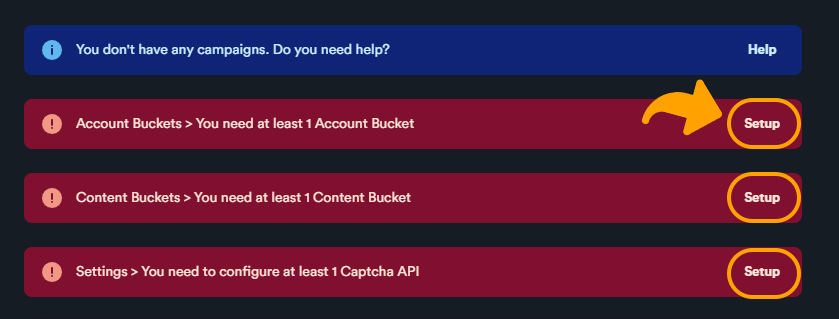
To resolve each issue, you can click on each notification card "**Setup**".
After you complete the setup for each setting, the corresponding notification card will disappear.
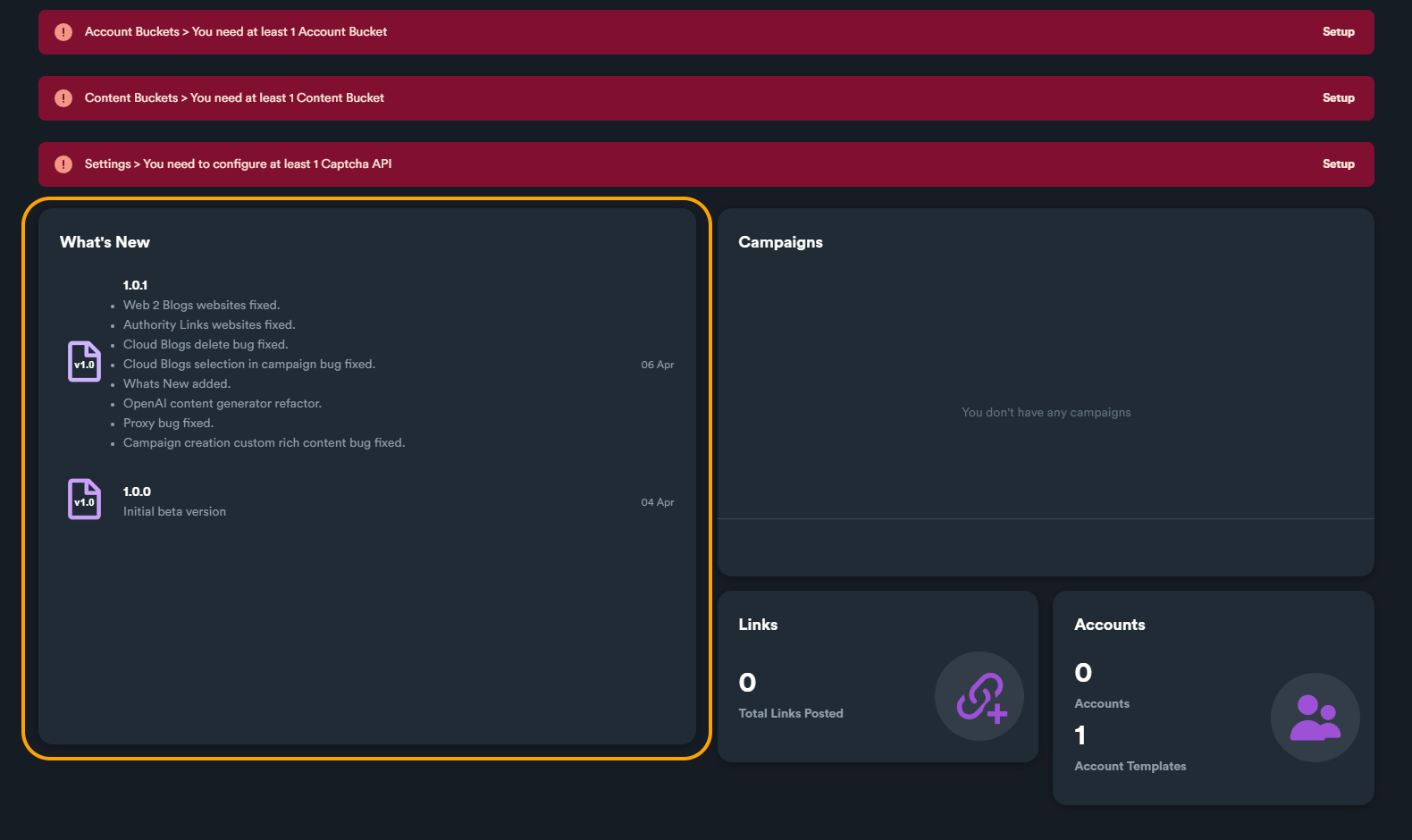
### What's New
On What's New you can see information about all released version changes.
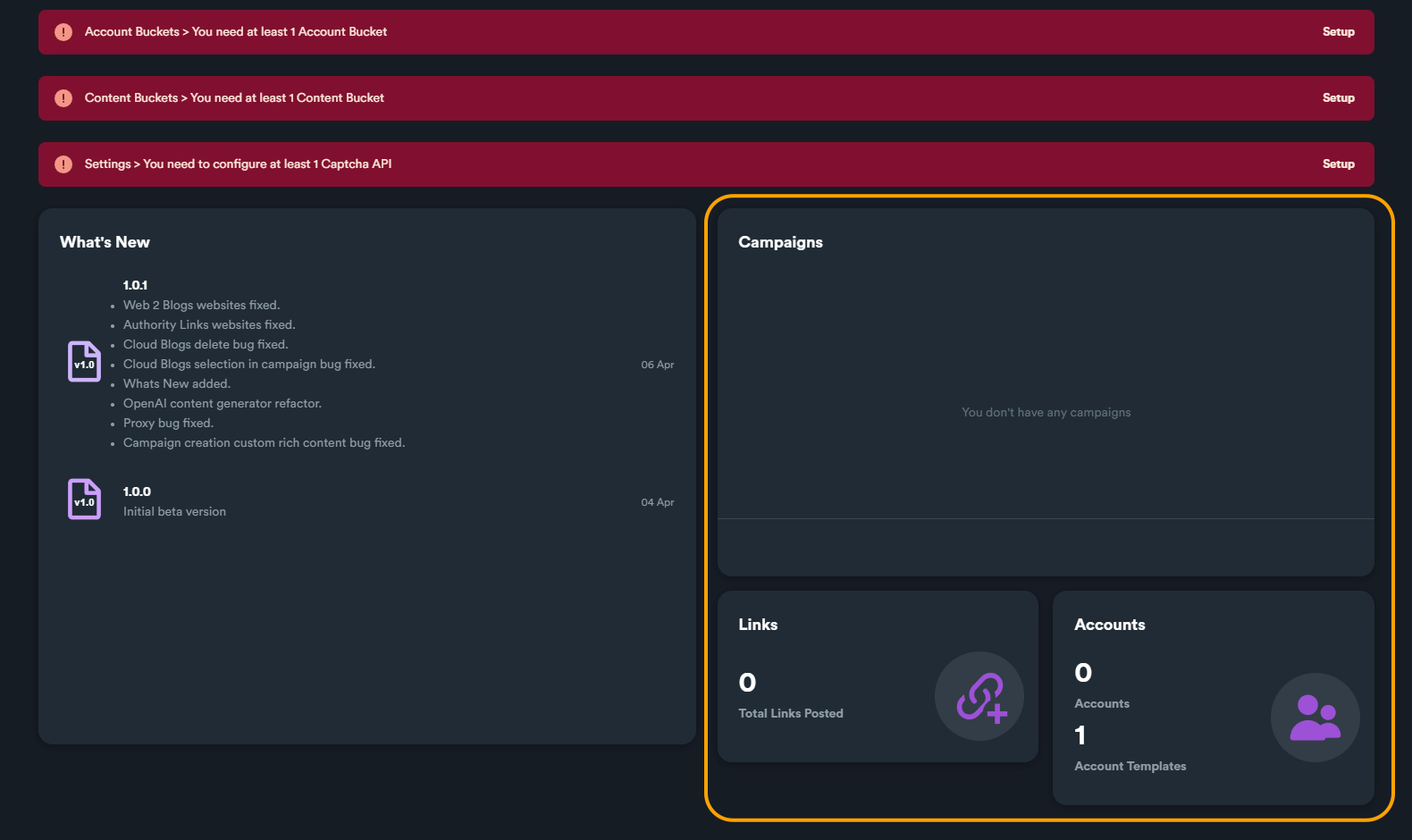
### Additional Information
On the lower right part of the dashboard you can find information about total number of campaign created, total number of links posted (from your completed campaigns) and information about number of account and account templates created.